From chasing to seeing: how the department workflow changes
What a Head of Department’s week looks like before and after weekly hand-ins move into one place, and where the saved hours go.
The week most departments know
On Sunday the Head of Department sends a reminder to the group chat. By Wednesday some lesson plans have arrived by email, some as photos on WhatsApp, a few in a shared folder, and two not at all. Thursday goes on opening attachments, updating a spreadsheet of who has sent what, and writing the same feedback for the third week running.
None of this is unusual, and none of it improves teaching. The work is real, but the process around it hides the picture: nobody can say at a glance which teachers are on track, which feedback was acted on, or what evidence exists for the end-of-year appraisal.
What changes when the work has one home
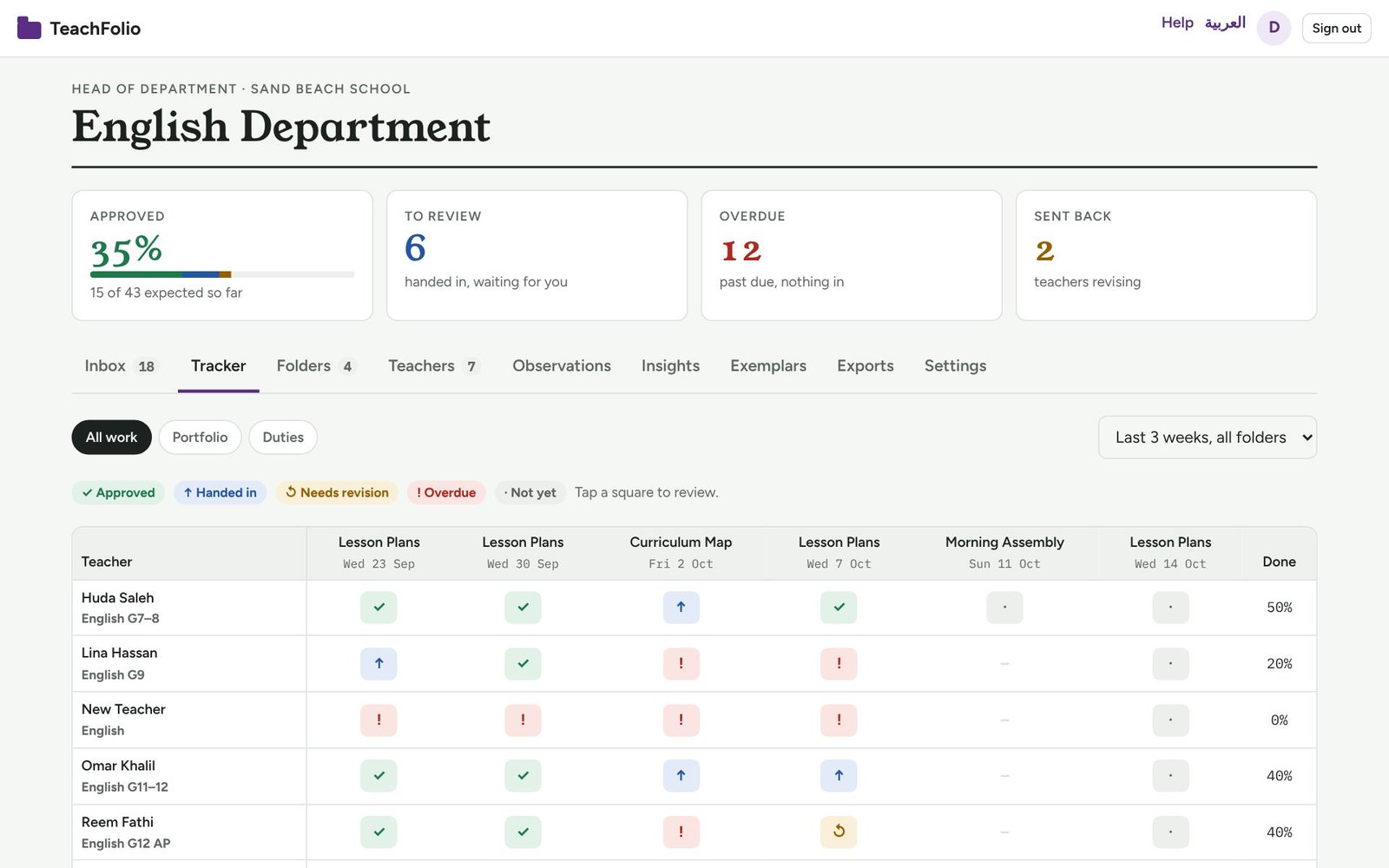
The reminder disappears. Each folder has a schedule, “Lesson Plans, every Wednesday”, and every teacher gets a square for each due date. Teachers are reminded before the deadline and the day after it’s missed. The Head of Department no longer chases; the system does.
The spreadsheet disappears. The tracker shows every teacher and every due date on one screen: approved, handed in, sent back, overdue. On a phone it becomes one card per teacher.
Review becomes a short, focused session. Instead of opening files from five places, the Head of Department works through a queue: preview the file in the page, approve with one tap, or send it back with a comment. A saved comment bank and a short rubric keep feedback consistent.
Teachers know where they stand. Each piece of work shows its status and the comment on it. There is no “did you get my file?” message.
Where the saved time goes
Departments that move their weekly paperwork into one place typically find the routine part of the job shrinks to a review session or two a week. That time can go where it matters: lesson observations, conversations about practice, and support for the teachers who need it most. TeachFolio puts those tools in the same place, so observations, growth goals and exemplars sit next to the work they refer to.
How TeachFolio helps
- Weekly squares and automatic reminders replace group-chat chasing.
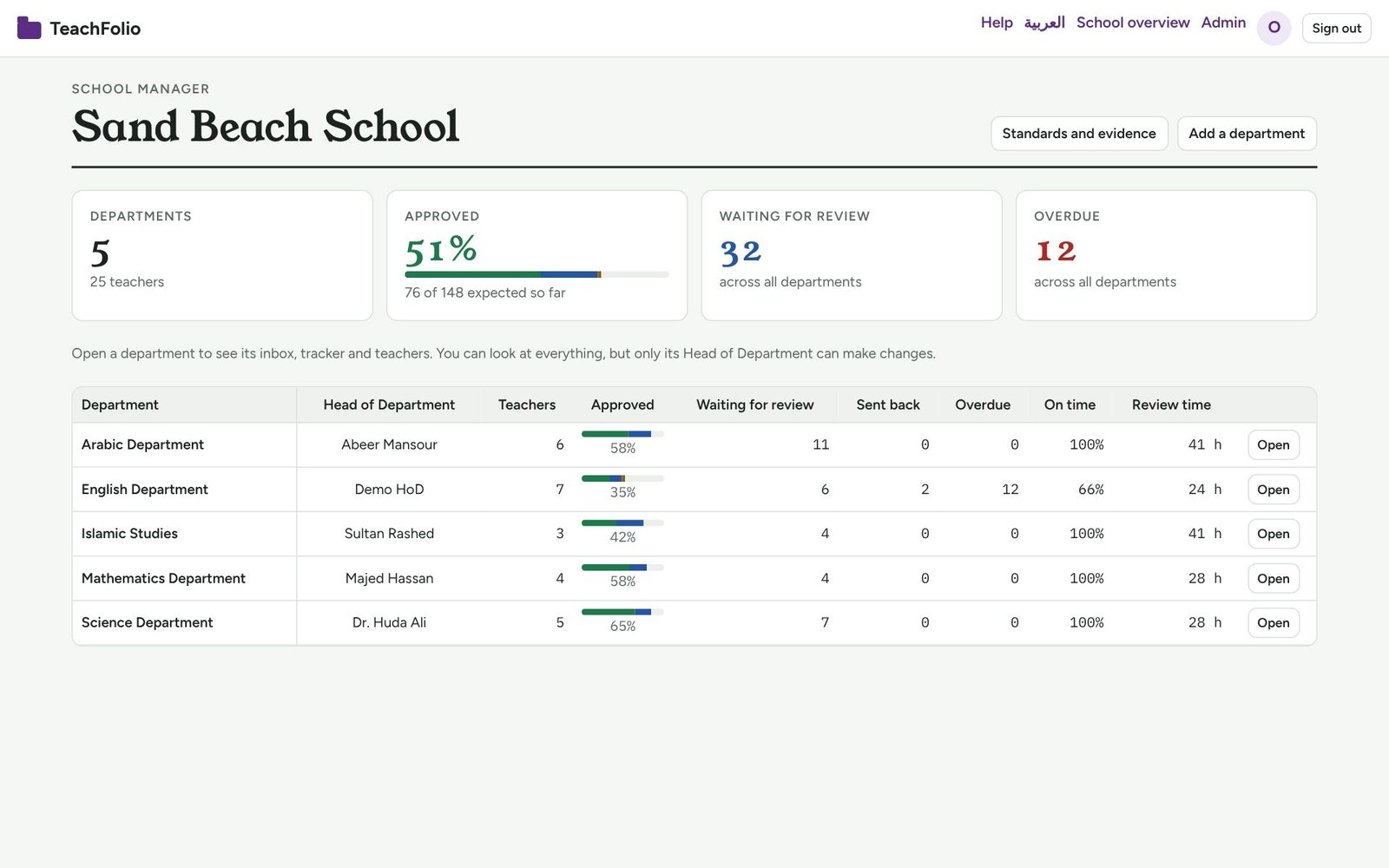
- A tracker and inbox show the whole department at a glance, on desktop or phone.
- One-tap review, a review queue, rubrics and a comment bank make feedback quick and consistent.
- Observations, goals and exemplars turn the time saved into coaching.
The change is less about software than about a shared rhythm: everyone knows what is due, where it goes and what happens next.
See how TeachFolio does it with your own folders and standards.